
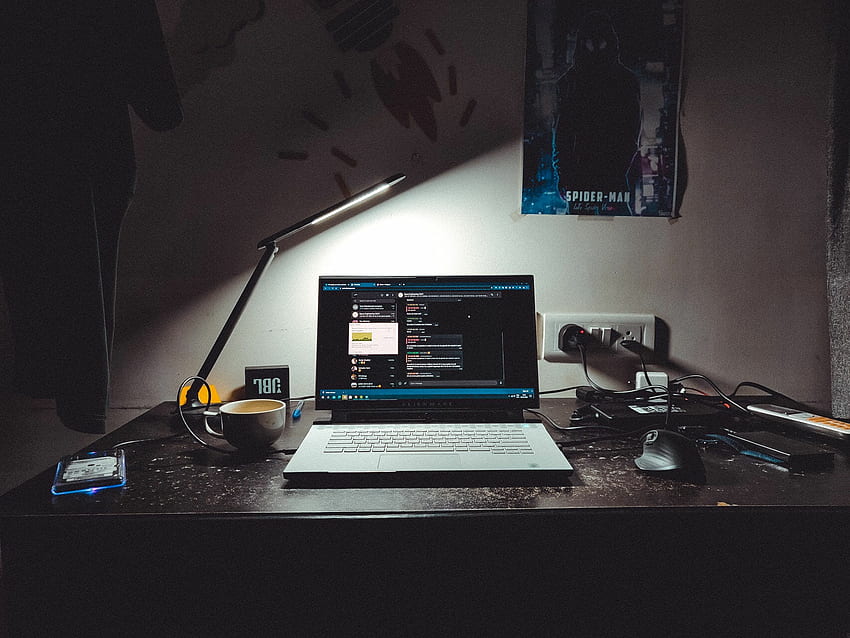
In today’s tech-driven world, the quest for the perfect laptop can feel like navigating a labyrinth of specs, features, and options. It’s easy to get lost in the sea of gigahertz, gigabytes, and graphics cards, but finding a laptop that truly suits your needs goes beyond just the technical details. Let’s delve into the art of choosing a laptop that complements your lifestyle, work habits, and personal preferences.
Understanding Your Needs
The first step in selecting the ideal laptop is understanding what you need it for. Are you a student looking for a portable device to take to class and the library? A professional needing a reliable machine for productivity and multitasking? A gamer seeking high-performance graphics and speed? Or perhaps a creative professional requiring powerful processing for design and editing software? Your primary use case will significantly influence the type of laptop you should consider.
Portability vs. Performance
One of the fundamental trade-offs in laptop selection is between portability and performance. Ultrabooks and lightweight laptops are perfect for those constantly on the move. They offer excellent battery life, sleek designs, and sufficient power for everyday tasks. On the other hand, if your work involves heavy-duty applications like video editing, 3D rendering, or gaming, a more robust machine with a high-performance processor, ample RAM, and dedicated graphics card will be necessary, even if it means sacrificing some portability.
Operating System Preference
Your choice of operating system (OS) is another critical factor. Windows, macOS, and Linux each have their strengths and dedicated user bases. Windows is known for its versatility and compatibility with a wide range of software. macOS, exclusive to Apple laptops, offers a seamless and user-friendly experience, especially appreciated by creatives and designers. Linux, while less common, is favored by developers and tech enthusiasts for its customization and open-source nature. Choose an OS that aligns with your workflow and software needs.
Display Quality and Size
The laptop’s display is your window to the digital world, so its quality and size are vital. Consider what screen size suits your tasks—smaller screens (11-14 inches) for portability, and larger screens (15-17 inches) for immersive viewing experiences and multitasking. Resolution matters too; a higher resolution like Full HD (1920×1080) or 4K (3840×2160) can provide sharper, more detailed visuals, essential for graphic design, video editing, or simply enjoying media content.
Keyboard and Trackpad
Don’t overlook the keyboard and trackpad quality. If you type a lot, a comfortable, responsive keyboard with good key travel is essential. Backlit keyboards can be beneficial for low-light environments. Similarly, a precise and smooth trackpad enhances your overall user experience, especially if you don’t use an external mouse.
Battery Life
Battery life can make or break your laptop experience, particularly if you’re often away from a power source. Ultrabooks and lightweight laptops typically offer longer battery life, ideal for students and professionals on the go. However, high-performance laptops, while powerful, may have shorter battery life, so consider your usage patterns and how often you’ll be able to recharge.
Storage Solutions
Storage is another key consideration. Solid State Drives (SSDs) are faster, more reliable, and quieter compared to traditional Hard Disk Drives (HDDs). They can significantly speed up boot times and application loading. However, they can be more expensive per gigabyte. Depending on your storage needs, you might opt for a combination of SSD for the operating system and frequently used applications, and an HDD for larger files and backups.
Connectivity Options
Ensure the laptop has all the ports and connectivity options you need. Common ports include USB-A, USB-C, HDMI, and headphone jacks. If you often transfer data from cameras or other devices, an SD card slot can be invaluable. Additionally, consider future-proofing your purchase with the latest Wi-Fi and Bluetooth standards.
Budget Considerations
Finally, your budget will play a significant role in your decision. While it’s tempting to go for the cheapest option, investing in a quality laptop that meets your needs can save you money and frustration in the long run. Look for a balance between cost and features, and don’t be afraid to take advantage of seasonal sales and student discounts.
Conclusion
Choosing the perfect laptop is a personal journey that goes beyond mere specifications. It requires a thoughtful assessment of your needs, preferences, and lifestyle. By considering factors like portability, performance, OS, display, keyboard quality, battery life, storage, connectivity, and budget, you can find a laptop that not only meets your technical requirements but also enhances your daily life. In the end, the best laptop is one that feels like a natural extension of you, empowering you to achieve your goals and explore your passions.