
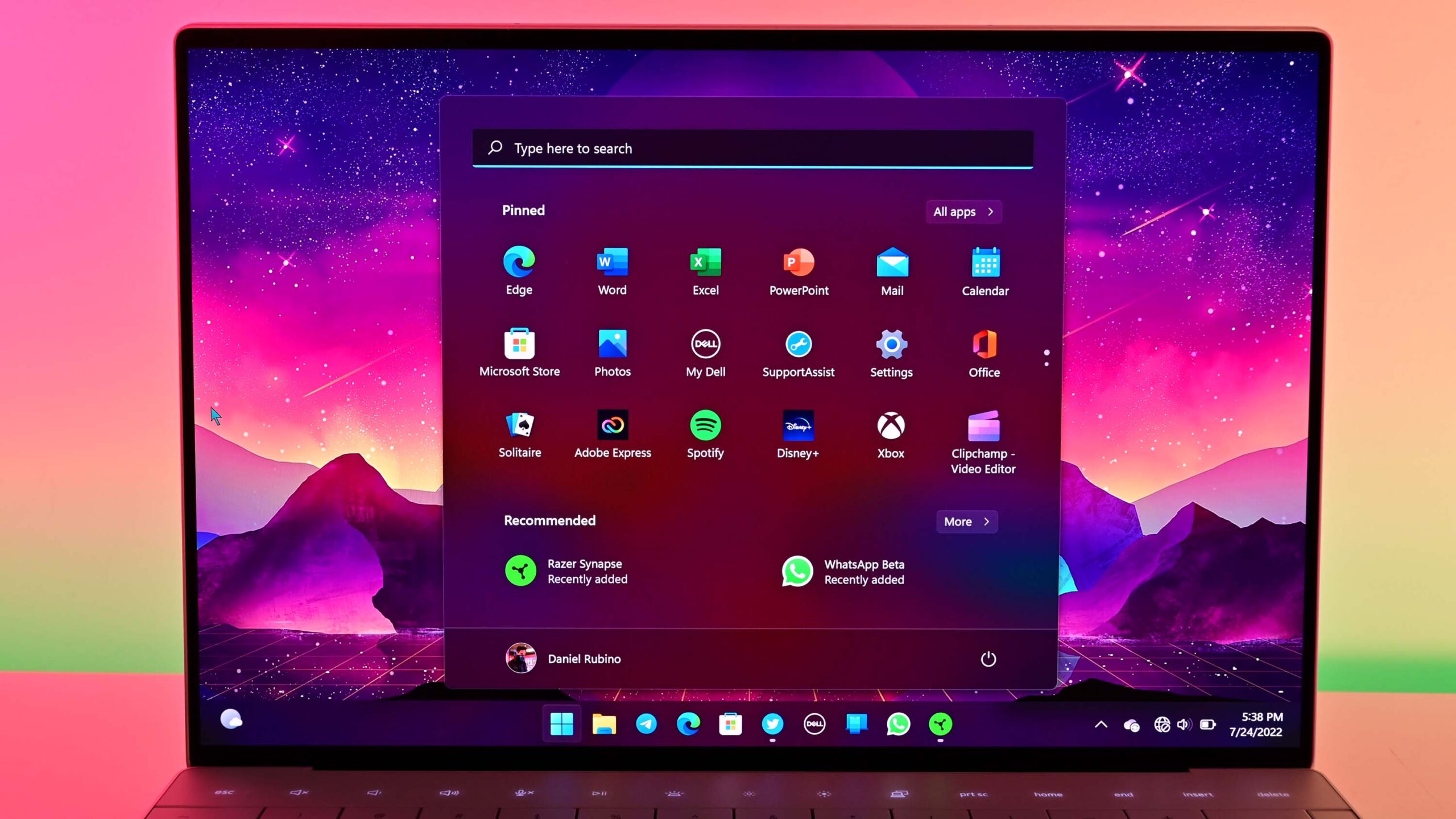
In today’s fast-paced world, mobility is key. Whether you’re a digital nomad, a student, or a business professional, having the right tools at your fingertips can make a world of difference. Your laptop, a portal to limitless possibilities, can become even more powerful with the right apps. Here are some must-have applications to enhance productivity, creativity, and connectivity on the go.
1. Productivity Powerhouses
Microsoft Office 365: No list of essential apps would be complete without mentioning Microsoft Office. With Word, Excel, PowerPoint, and OneNote, this suite is indispensable for creating, editing, and sharing documents. Its cloud integration ensures your files are accessible from anywhere.
Evernote: Evernote is a versatile note-taking app that helps you organize your thoughts, tasks, and projects. Its ability to sync across devices means your notes are always up to date, whether you’re at your desk or on the move.
Trello: For those who thrive on organization, Trello is a must. This visual project management tool uses boards, lists, and cards to help you keep track of tasks, deadlines, and collaboration efforts, making it perfect for both personal and professional use.
2. Creative Catalysts
Adobe Creative Cloud: For creatives, Adobe’s suite of apps is unparalleled. Photoshop, Illustrator, Premiere Pro, and Lightroom provide all the tools needed for graphic design, video editing, and photo enhancement. The cloud-based storage allows you to work from anywhere without missing a beat.
Affinity Designer: As a more affordable alternative to Adobe, Affinity Designer offers professional-level graphic design tools. Its intuitive interface and robust features make it a favorite among artists and designers who need powerful software without a subscription fee.
Audacity: This free, open-source audio editor is perfect for podcasters, musicians, and anyone interested in sound design. Audacity’s comprehensive set of tools allows you to record, edit, and mix audio tracks with ease.
3. Communication Command Centers
Slack: In the realm of team communication, Slack reigns supreme. It organizes conversations into channels, integrates with numerous other apps, and offers both text and video chat options, making remote collaboration seamless.
Zoom: As the go-to app for video conferencing, Zoom is essential for virtual meetings, webinars, and online classes. Its user-friendly interface and reliable performance make it a staple for staying connected with colleagues, clients, and friends.
WhatsApp Desktop: For quick, informal communication, WhatsApp Desktop is invaluable. It syncs with your mobile app, allowing you to send messages, photos, and files directly from your laptop.
4. Security and Maintenance Must-Haves
Norton 360: In an age where cybersecurity threats are rampant, a robust antivirus program like Norton 360 is crucial. It provides real-time protection against malware, ransomware, and phishing attempts, ensuring your data remains safe.
CCleaner: To keep your laptop running smoothly, CCleaner is a handy tool for cleaning up unnecessary files, managing startup programs, and optimizing performance. Regular maintenance with CCleaner can prolong the life and efficiency of your device.
NordVPN: Protecting your privacy on public Wi-Fi is essential, and NordVPN does just that. It encrypts your internet connection, shielding your data from prying eyes and allowing you to browse securely from anywhere.
5. Cloud Storage Solutions
Google Drive: Google Drive offers generous free storage and seamless integration with Google Docs, Sheets, and Slides. It’s perfect for storing files, collaborating in real time, and accessing your work from any device.
Dropbox: Known for its simplicity and reliability, Dropbox is a favorite for file synchronization and sharing. Its smart sync feature helps you save space on your laptop by only keeping the files you need at your fingertips.
OneDrive: If you’re already in the Microsoft ecosystem, OneDrive is a natural choice. It integrates effortlessly with Windows and Office apps, providing easy access to your files and automatic backup.
6. Entertainment Essentials
Spotify: For music lovers, Spotify is a must. Its vast library of songs, curated playlists, and personalized recommendations ensure you always have the perfect soundtrack for any moment.
Netflix: When it’s time to unwind, Netflix offers a vast array of movies, TV shows, and documentaries. Its offline download feature allows you to watch your favorite content without an internet connection, perfect for long flights or remote locations.
Steam: For gamers, Steam is an essential platform. It offers a vast library of games, regular sales, and a vibrant community, ensuring you’re never bored on the go.
Conclusion
Equipping your laptop with these must-have apps can transform your mobile experience, making you more productive, creative, and connected no matter where you are. Whether you’re working on a crucial project, staying in touch with loved ones, or simply enjoying some downtime, these apps ensure you have the tools you need at your fingertips. Embrace the power of technology and make the most of your laptop on the go.